
Send money to Mexico quickly and affordably with a special New Customer Rate* and $0 Transfer Fee** on your first transfer.
Fast, secure transfers. Great rates, low fees.
Instant delivery available
Thank you! Your submission has been received!
Oops! Something went wrong while submitting the form.
A First-Time Rate You Can Use
More Than Once

Special New Customer Rate
Get a New Customer Rate* on your first $500 in transfers

Use It Your Way
Send all at once or split it across multiple transfers until the full $500 USD is used.

$0 Transfer Fee
Enjoy $0 Transfer Fee** on your first transfer with us.
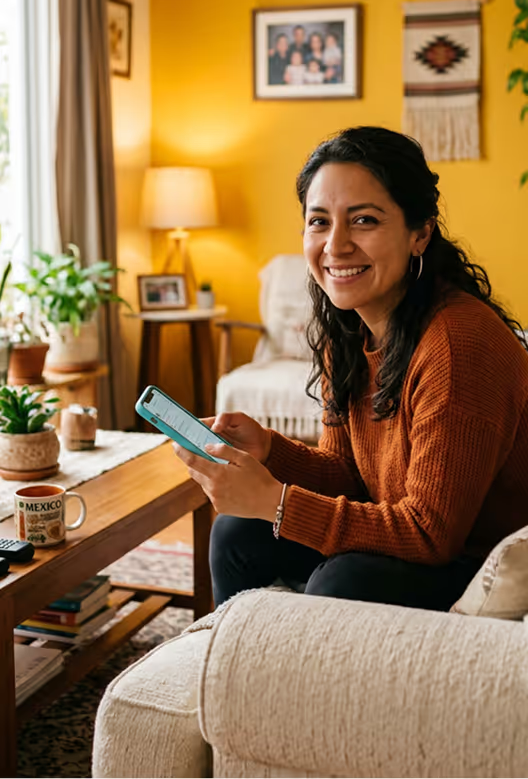

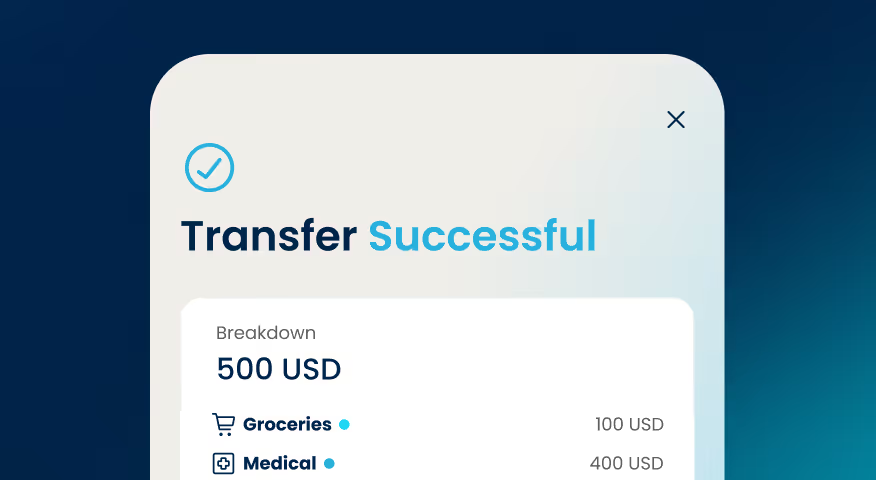
$100 USD sent
for Groceries
for Groceries

Received by Mamá


Sending money with Pangea is quick and secure.
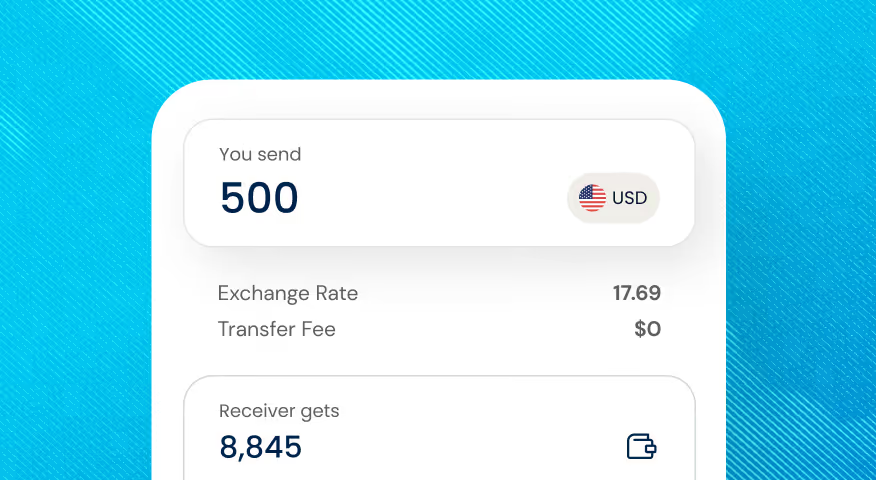
01. Enter Your Amount
See your exchange rate, fees, and how much your receiver will get.
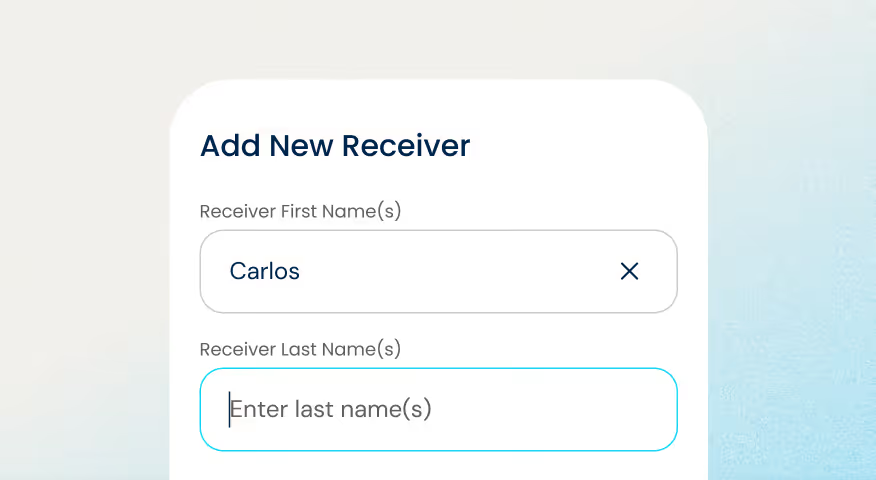
02. Add Your Receiver
Enter your receiver’s details, then choose their delivery method and how you'll pay for the transfer.
03. Send & Track
Confirm the details and send your transfer. Track it in real time.






Ways to Send


Ways to Receive


Manage All Your Transfers in
One Dashboard
Get a clear view of your transfers over time, all in one organized dashboard built to help you stay in control.
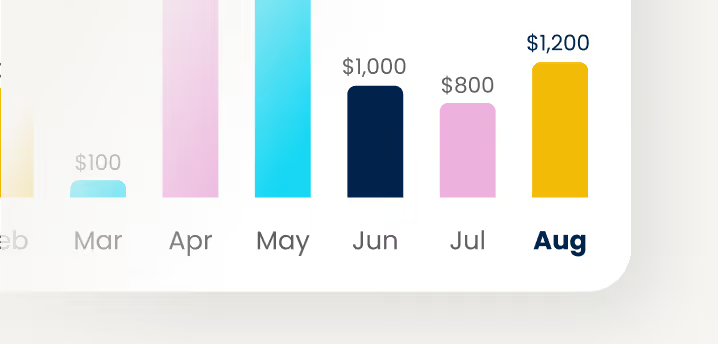
Stay on Top of Your Sending
Track monthly activity and understand your patterns at a glance.
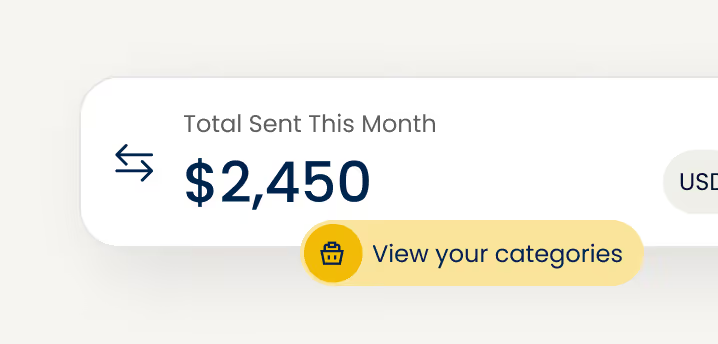
See Everything in One Place
Transfers, totals, receivers, all organized in a single view.
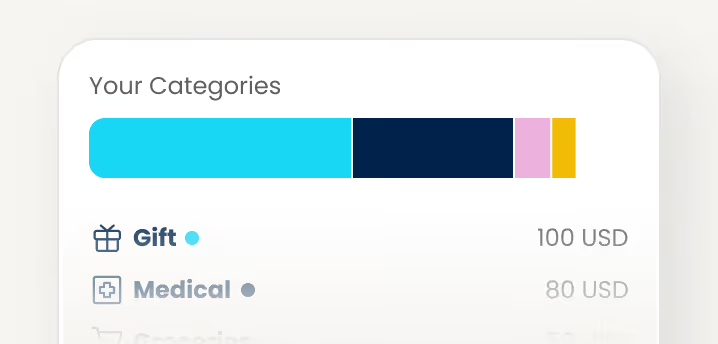
Plan Ahead with Confidence
Know where your money goes so you can budget and send smarter.

The selection of cash pickup locations is great. There is always somewhere near for your loved ones to pick up their cash. The cash is usually also available immediately.
Aarón
Verified Customer
Pangea is so easy to use, they offer the best rates and the money is delivered on the promised date.

Gabriela
Verified Customer
I’m very happy with the service they offer to send money to our family members in Mexico, with the highest exchange rate in the market. [...]
Nora
Verified Customer
Pangea money transfer is a fast, reliable service. They give the best rates and I am completely satisfied with this service.

Patrick
Verified Customer
The process is so easy and my money transfer was completed within minutes. A fast and easy way for us to send money to our family in Mexico.

Jaime
Verified Customer
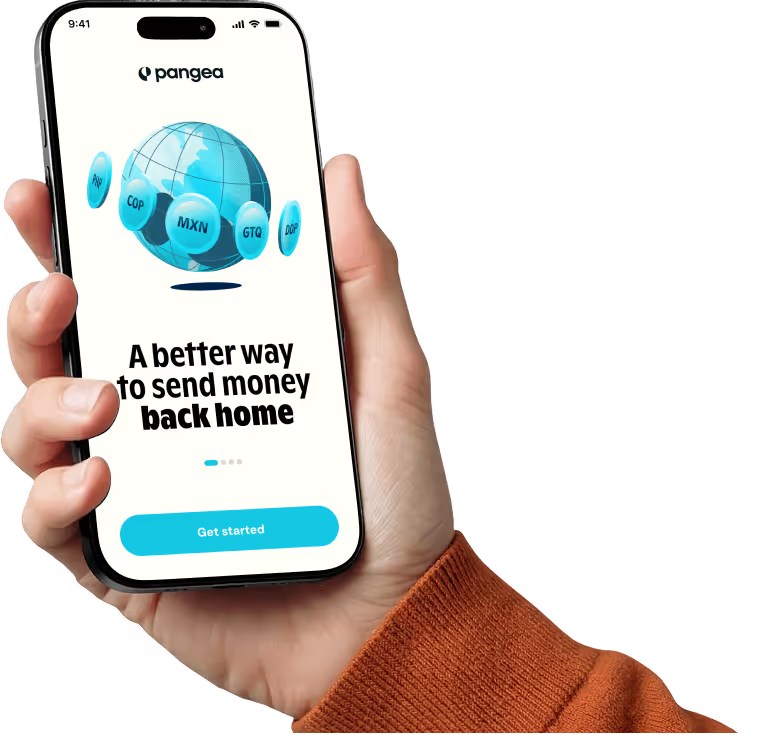

Download the
Pangea App
The international money transfer app built for low fees, strong rates, and real-time tracking, right from your phone.



Frequently Asked Questions
How does Pangea protect my money and personal information?
How do I sign up for Pangea to send money?
How do I sign up for Pangea to send money from the U.S.?
How do I send money to Mexico with Pangea?
What payment methods can I use for my transfer to Mexico?
How can my recipient receive money in Mexico?
What is the transfer fee when I send money to Mexico?
How can I track my transfer to {country-name}?
How long does a transfer usually take to arrive in Mexico?
Mexico
Send Money to
Vietnam

Thailand

Senegal

Nepal

Uganda

Singapore

Kenya

Italy

Honduras
India

Indonesia

Malaysia

Germany

Ghana

Guatemala
El Salvador
Dominican Republic
Mexico
Colombia

Côte d'Ivoire

Burkina Faso
France

Bangladesh

Philippines

Send Money
Internationally to
24+ Countries
1 USD =
--
--
X
Thank you! Your submission has been received!
Oops! Something went wrong while submitting the form.