
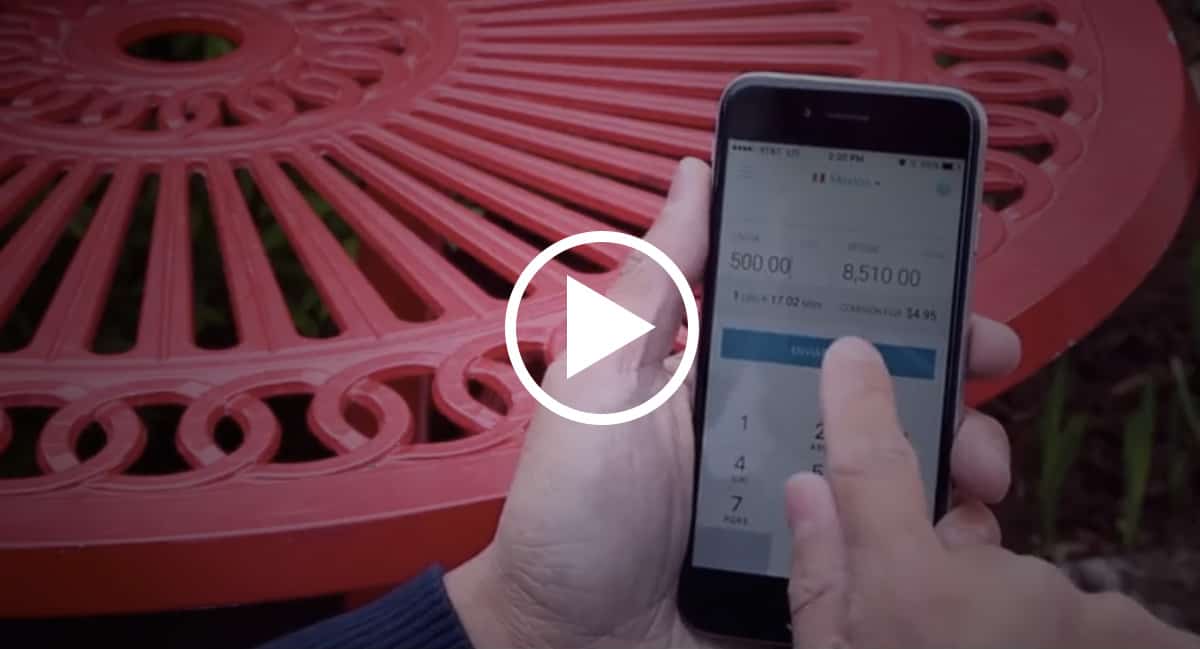
Sending money using a mobile app might sound intimidating or complicated, especially if you’ve been doing it in person for years! But sending money with the Pangea Money Transfer app is much easier than you think.
Check out this video from Mau Mauricio, who will walk you through all the steps of sending a transfer—in Spanish! (For step-by-step instructions in English, see below the video.)
Soon, you’ll be sending money in seconds with your Android, iPhone, or computer. Say goodbye to waiting in long lines!
Step-by-Step Guide to Sending a Transfer with Pangea
1. Open the app. You’ll see the exchange rate calculator. Type in the amount you want to send home—or the exact amount you want your receiver to get—and see immediately how your US dollars will convert, based on the daily exchange rate. (Remember: There’s a minimum sending amount of $20!)
2. Hit CONTINUE and log in. Now, select a receiver from your list, or add a new one by clicking on the PLUS SIGN on the upper right corner.
3. Sending money to Mexico? Select how you want your receiver to get the money—via their debit card, directly to their bank account, or at a cash pickup location. If you select debit card or bank deposit, you’ll have to enter more of your receiver’s information. You’ll only have to do this once! The next time you send money, the information is already stored in your account, so it will be even faster.
If you are sending money to Colombia, Dominican Republic, El Salvador, Guatemala, or if you want your receiver to pick up the money in cash, simply select the desired cash pickup location.
4. You’re almost done! Now you just need to confirm all the details. When you double check your sending and receiving amounts, you’ll also see the exchange rate and the fixed transfer free on the screen.
IMPORTANT: If you have a promo code, you’ll add it now! Just click the ADD PROMO CODE button. Click NEXT.
5. Now, all you have to do is select the debit card you want to use to pay for the transfer. Add a new one by clicking the PLUS SIGN in the upper right corner.
That’s it! Once the transfer is processed, your receiver will get a text message notifying them that their transfer is either ready for pick up or it has been deposited to their account.
Still have questions? Call us: +1 866-858-9928. We’re happy to help!
#HappySending